Take Orders
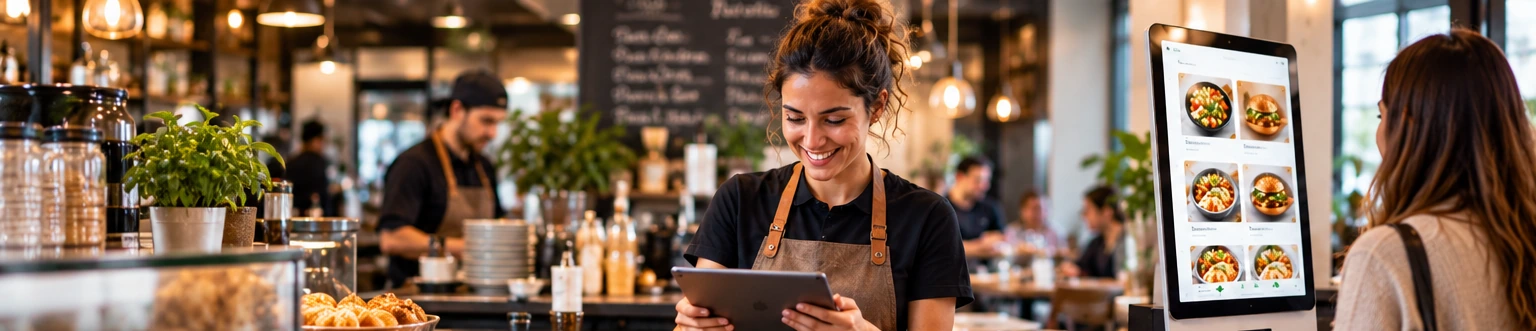
At the counter or at a table.
Your team can take an order from a compatible computer, tablet, or phone. They’ll see the same products and prices everywhere.
No need to know the technology. QuickOrder simply tracks your team’s work, from order placement to fulfillment.
Your team can take an order from a compatible computer, tablet, or phone. They’ll see the same products and prices everywhere.
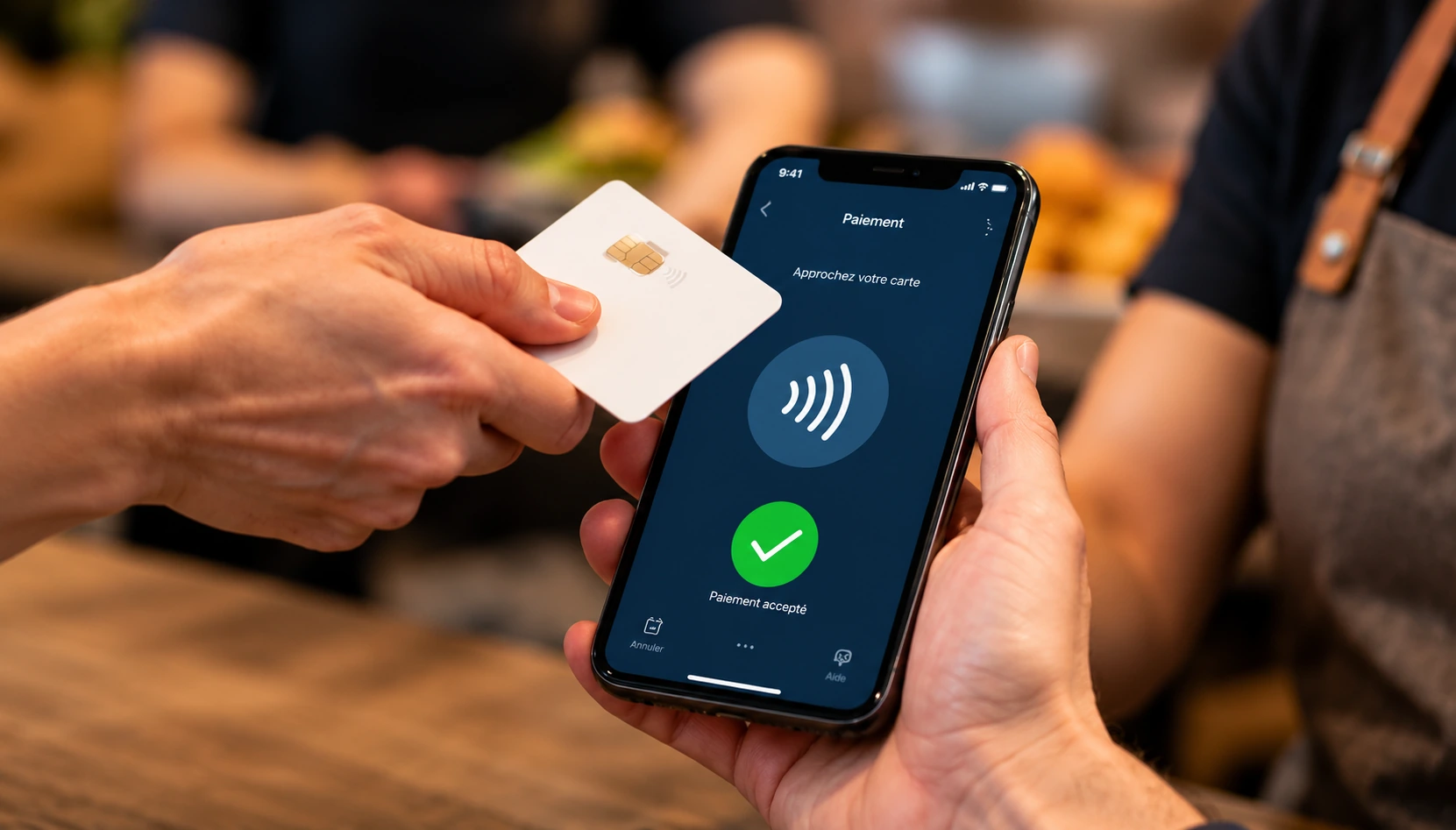
Accept payments with a compatible phone and keep the order and payment in the same system.
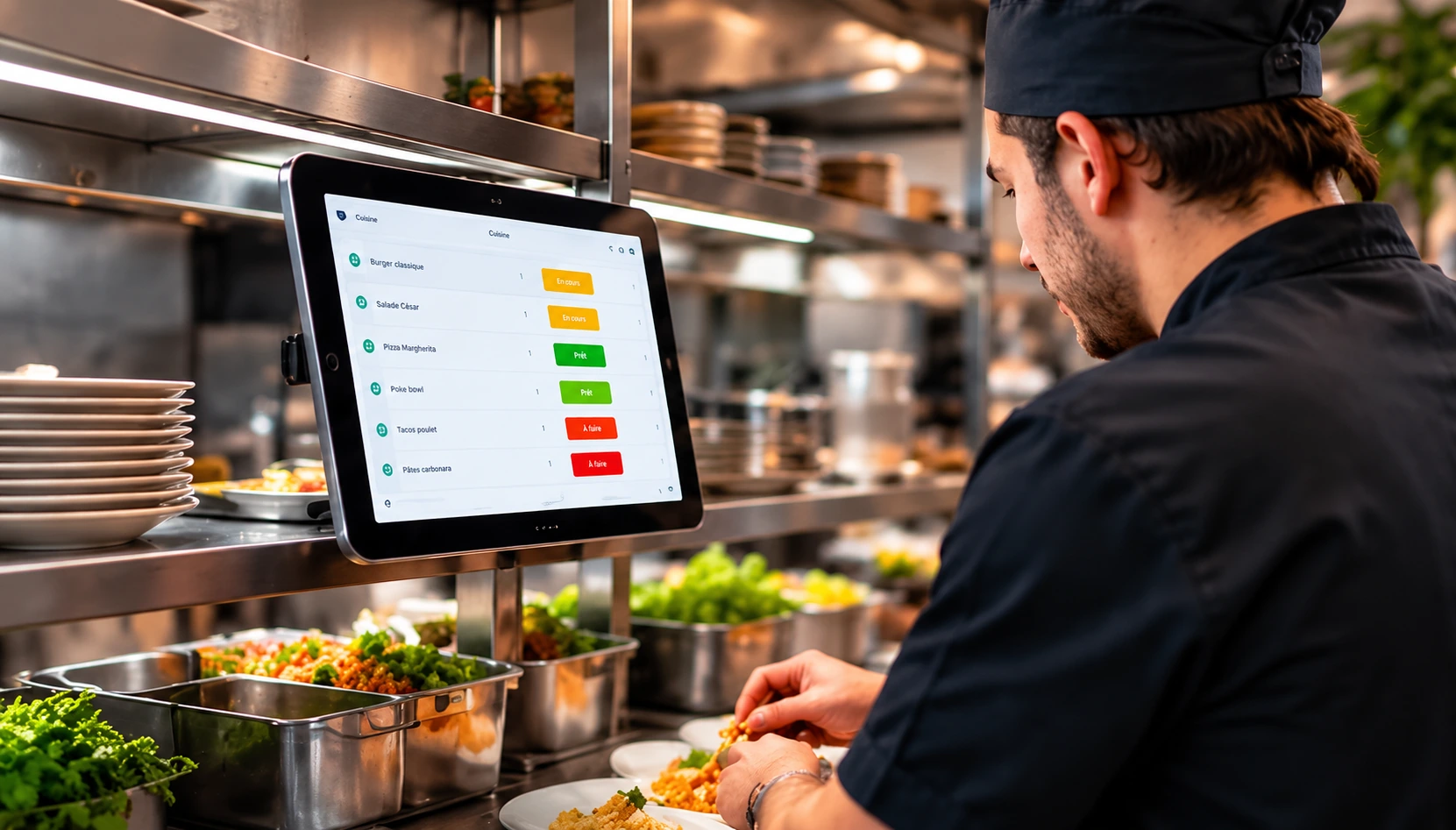
Orders are sent directly to the kitchen display system (KDS). Whether in the kitchen, at the counter, or at your service station, your team can see what needs to be prepared without having to rewrite the order slips.
Whether it’s for takeout or delivery, your customers can order directly from you using their phones.
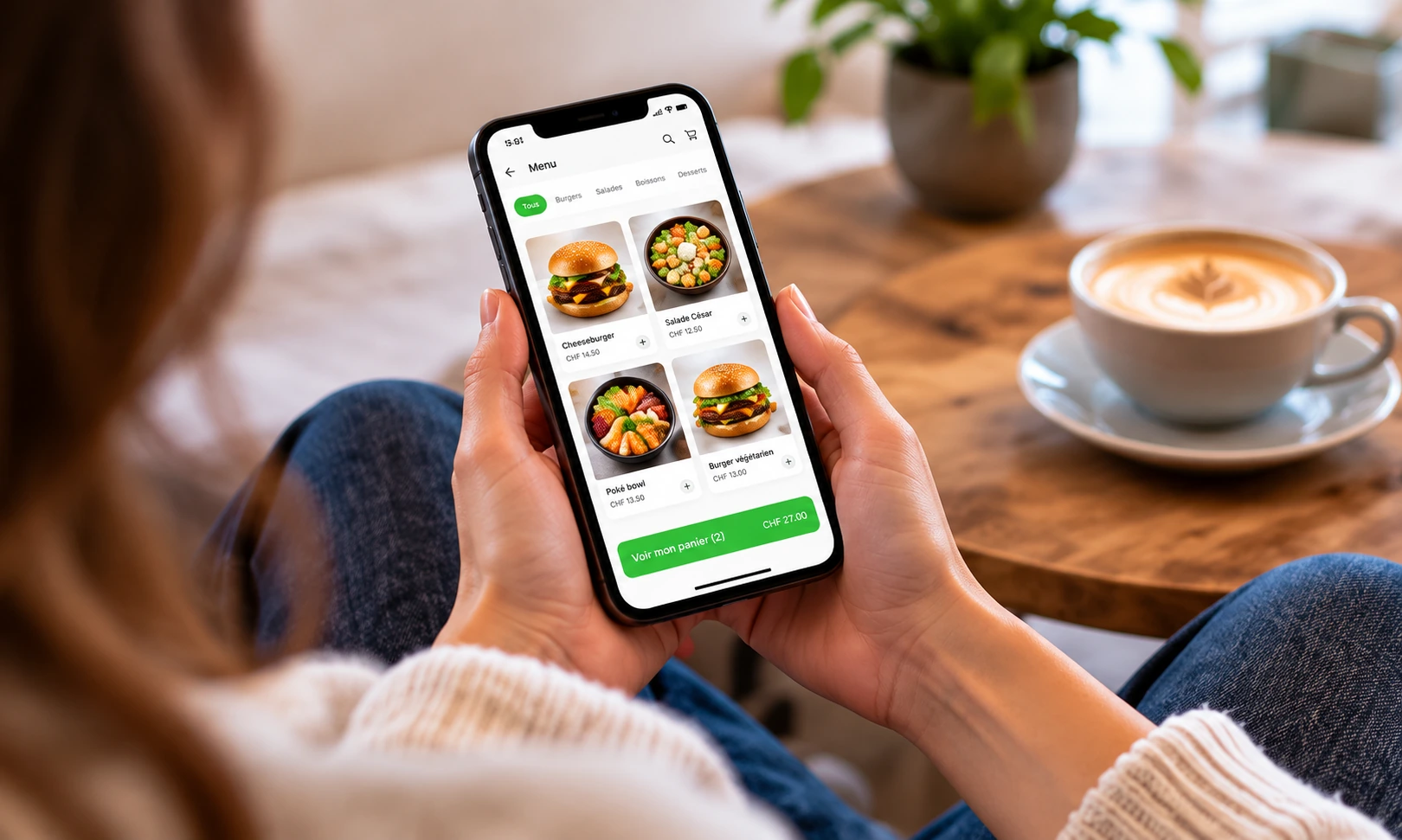
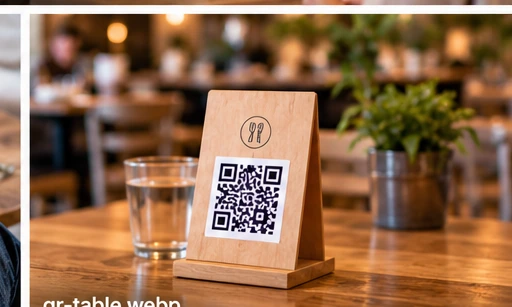
Your customers browse your menu and place orders from their phones, without having to wait for a team member to become available.
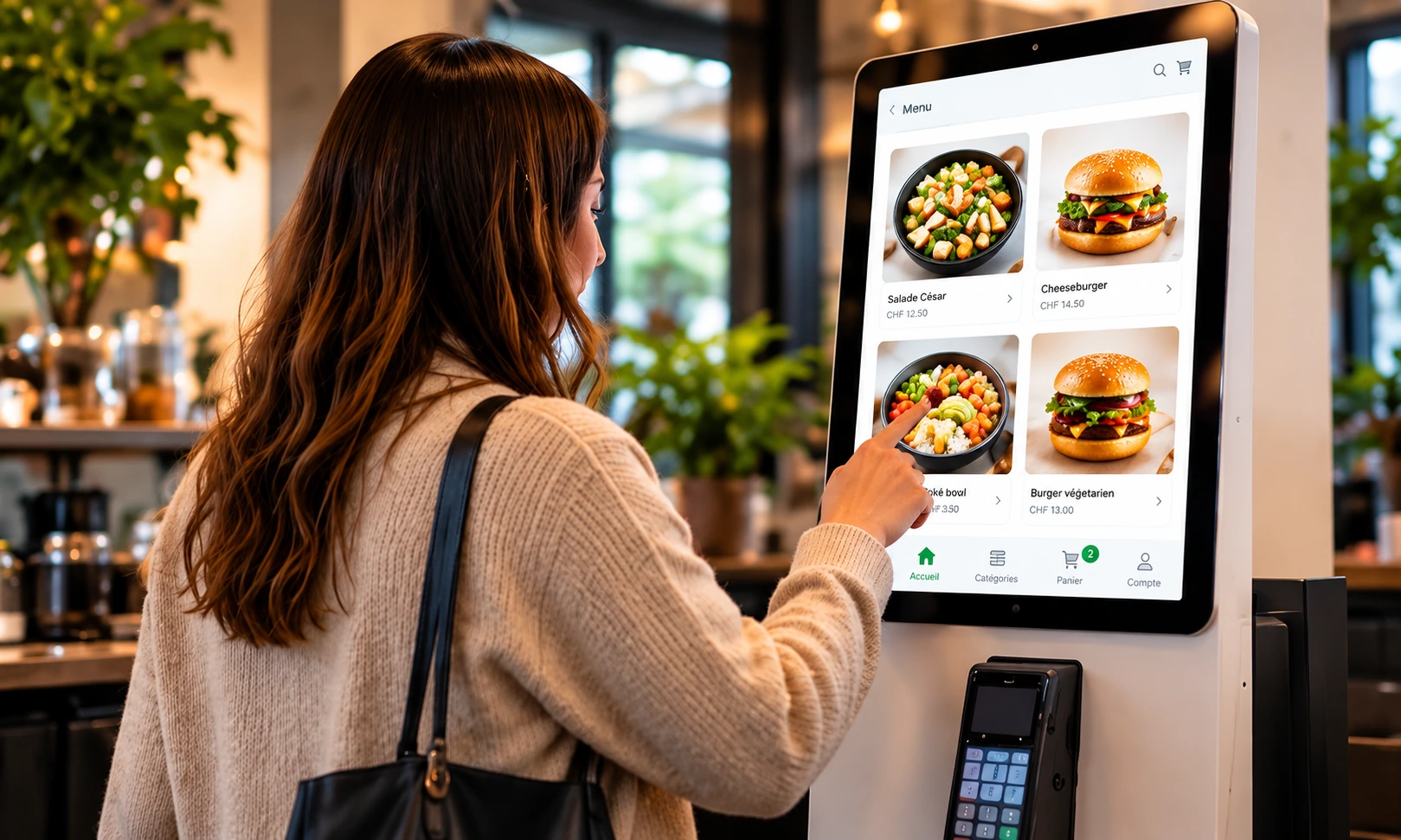
The kiosk software is included with QuickOrder. You can use a compatible device or choose one of our physical kiosks available for rent.

Products, orders, sales channels, and activity are all consolidated in your admin dashboard.
The rest can be enabled later without changing the system.